Text to video on iPhone: what AI video can and can’t do in 2026
Last updated:
By Atakan Özalan, Co-founder, GOGOGO LLC · Published · All posts
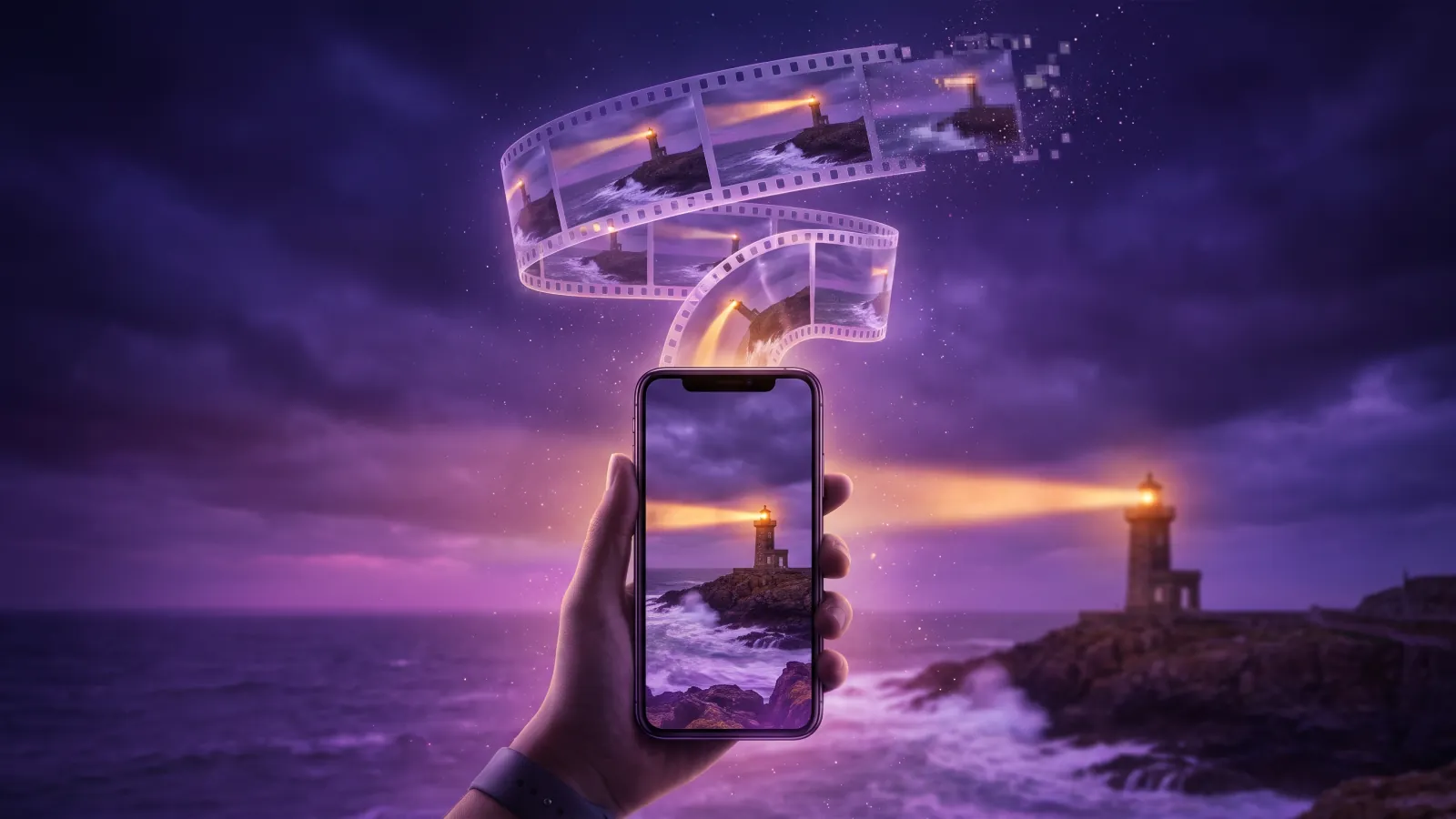
Short answer: AI text to video on an iPhone is good at short, single-shot clips with one subject, one clear action and a strong mood. It is still weak at long scenes, consistent characters across shots, readable text, complex hand movements and physics that has to look exactly right. Goddo generates short-form video from a text prompt, and the results appear in your gallery next to your images.
This explainer covers what to expect from AI video today, how to write a prompt for motion rather than for a still, and where AI video fits next to images.
What is text to video?
Text to video is a kind of generative AI that turns a written description into a short video clip. Where an image model has to get one frame right, a video model has to produce many frames that agree with each other: the same subject, the same light, motion that continues smoothly from one frame to the next.
That is why AI video is harder than AI images, and why the best results come from prompts that ask for less: one shot, one subject, one movement.
What can AI video do well in 2026?
- Atmosphere: fog rolling over a valley, neon reflections on a wet street, embers drifting up from a fire. Mood and light are where AI video is strongest.
- Simple motion: a camera slowly pushing in, a subject turning its head, waves breaking, clouds moving across the sky.
- Stylised looks: cinematic, anime-like, painterly or dreamlike clips, where small inconsistencies read as style rather than mistakes.
- Short social content: loops and moments of a few seconds for a story, a post or a background, where one striking shot matters more than a plot.
- Concept sketches: showing someone what a scene, a product mood or a music visual could feel like before anything is filmed.
What can’t AI video do reliably yet?
Being clear about the limits saves credits and frustration. These are the areas where text-to-video results, from any app, are most likely to disappoint today:
- Long scenes and storytelling: generated clips are short, and a story with several shots usually means generating each shot separately and editing them together.
- The same character across clips: a face or costume that matches from one generation to the next is not guaranteed.
- Text and logos: lettering often warps or changes from frame to frame.
- Hands and fine physical contact: fingers, grips, two people touching, objects passing from hand to hand.
- Exact physics: liquids pouring, objects bouncing, cloth folding the way it would in real life.
- Real people: a recognisable likeness is technically unreliable and can infringe someone’s rights; Goddo’s terms of service cover intellectual property and unlawful content.
How do you write a text-to-video prompt?
Start from a still-image prompt (subject, setting, style, light, framing) and add two things: what moves, and what the camera does. Keep it to one shot.
A small lighthouse on a rocky coast at dusk, cinematic, warm light in the window, stormy sky
Fine for an image; for a video it says nothing about motion.
A small lighthouse on a rocky coast at dusk, waves crashing against the rocks, the beam slowly sweeping across the stormy sky, slow camera push-in, cinematic, warm light in the window
One subject, two clear motions (waves, beam) and one camera move.
Three habits help most. Describe motion with verbs (“drifting”, “sweeping”, “turning”) instead of adjectives. Name a single camera move or say the camera is still. And leave out anything that needs precise contact, lettering or a recognisable person, because those are exactly the things AI video still gets wrong.
How does text to video work in Goddo?
Goddo is an iOS app by GOGOGO LLC for AI image and video generation, on the App Store since 2024 (it needs iOS 15.0 or later). Besides text to image, it generates short-form video from a text prompt; finished clips appear in your gallery alongside your still images, where you can share or download them.
Like images, video generations use Magic Wands, the app’s credits. Check the cost shown in the app before you generate; video is a bigger job for the model than a single image, and it usually takes longer to finish.
A practical workflow: try the scene as an image first. If the composition, style and light work as a still, turn the same prompt into a video prompt by adding the motion and the camera move. You spend fewer credits finding the look, and the video prompt starts from something you already know works.
When should you use an image instead of a video?
Use an image when detail matters more than motion: a poster, a profile picture, a product mood shot, anything with text on it. Use a video when the feeling of movement is the point: a looping background, a reveal, weather, water, light.
AI video in 2026 is best treated as a way to make striking moments, not finished films. Used that way, a few seconds generated on a phone can do a lot of work.
Sources
The primary pages behind the facts about Goddo in this guide, each with what it supports.
- Goddo on the App Store (seller: GOGOGO LLC): short-form video from a text prompt, Magic Wands credits, the release year and the iOS requirement.
- Goddo terms of service: the rules on intellectual property and unlawful content that apply to generating real people.
Frequently asked questions
- Can I make AI videos from text on an iPhone?
- Yes. Goddo, an iOS app by GOGOGO LLC, generates short-form video from a text prompt, and the clips appear in your gallery next to your images.
- What is AI text to video good at?
- Short, single-shot clips with one subject, one clear motion and a strong mood: atmosphere, light, weather, water and stylised looks.
- What does AI video still get wrong?
- Long scenes, the same character across clips, text and logos, hands and physical contact, and exact physics such as pouring liquids.
- How should a video prompt differ from an image prompt?
- Keep the image parts (subject, setting, style, light, framing) and add what moves and what the camera does, in one shot. Use verbs for motion.
- Do Goddo videos use the same credits as images?
- Video generations use Magic Wands, the same credits as images. Check the cost shown in the app before generating.